Platform & administration
Control who sees what, and prove it
Roles that reach down to own or team records, an audit log nobody can edit, four languages, custom fields, imports and exports, and the choice of Zantrey Cloud or your own servers.
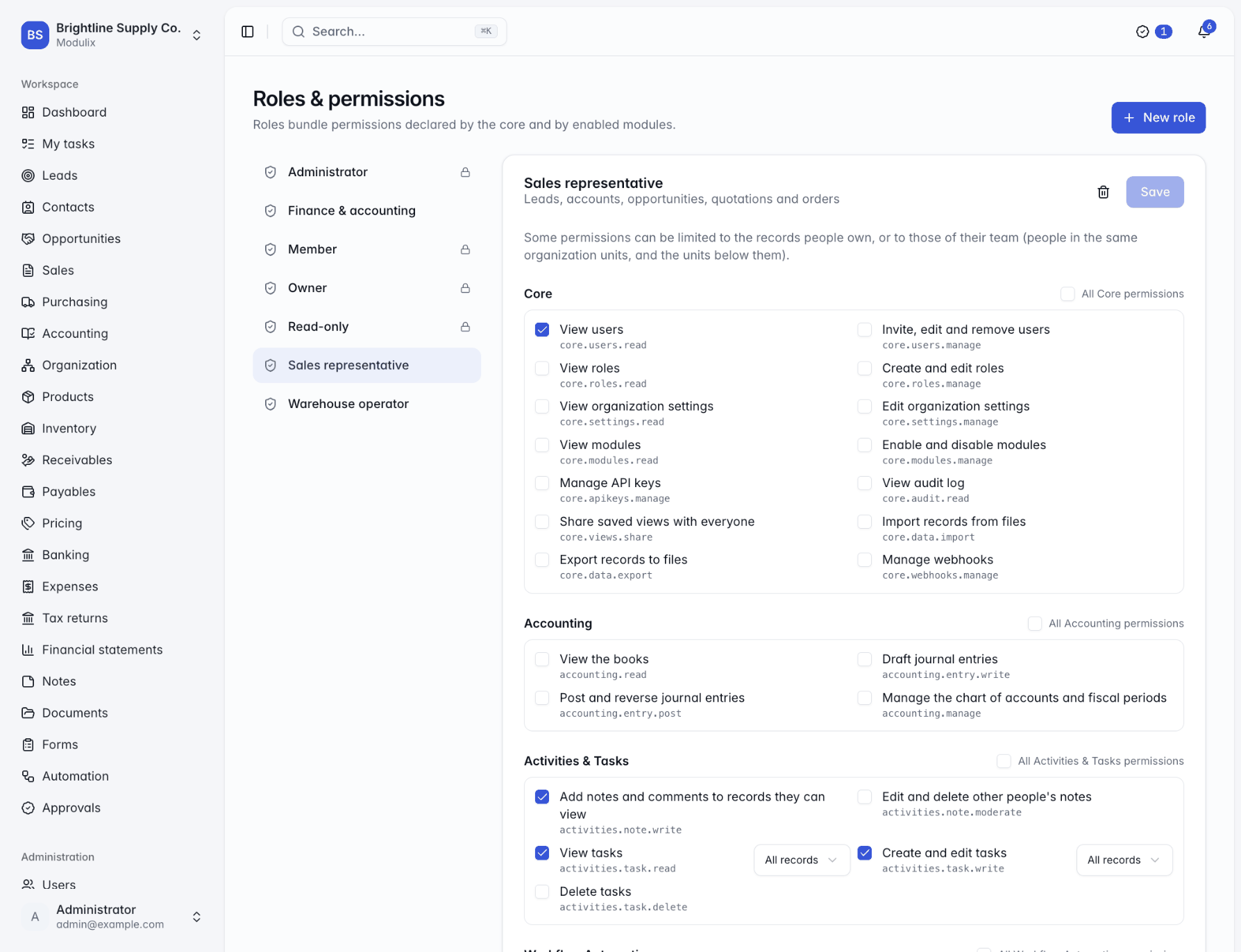
Organization structure
Teams that match your permissions
Describe your companies, subsidiaries, divisions, business units, branches, departments and teams as one hierarchy, and assign people to them. Those units define each person's team, so a role limited to team records follows your real structure.
When businesses need separate data, users and settings, they run as separate organizations, and one account can switch between them.
Legal entities
Legal name, registration number, tax ID and currency on companies and subsidiaries.
Positions and primary units
People can belong to several units, with one marked primary.
Dashboard overview
A structure widget for the people who need it.
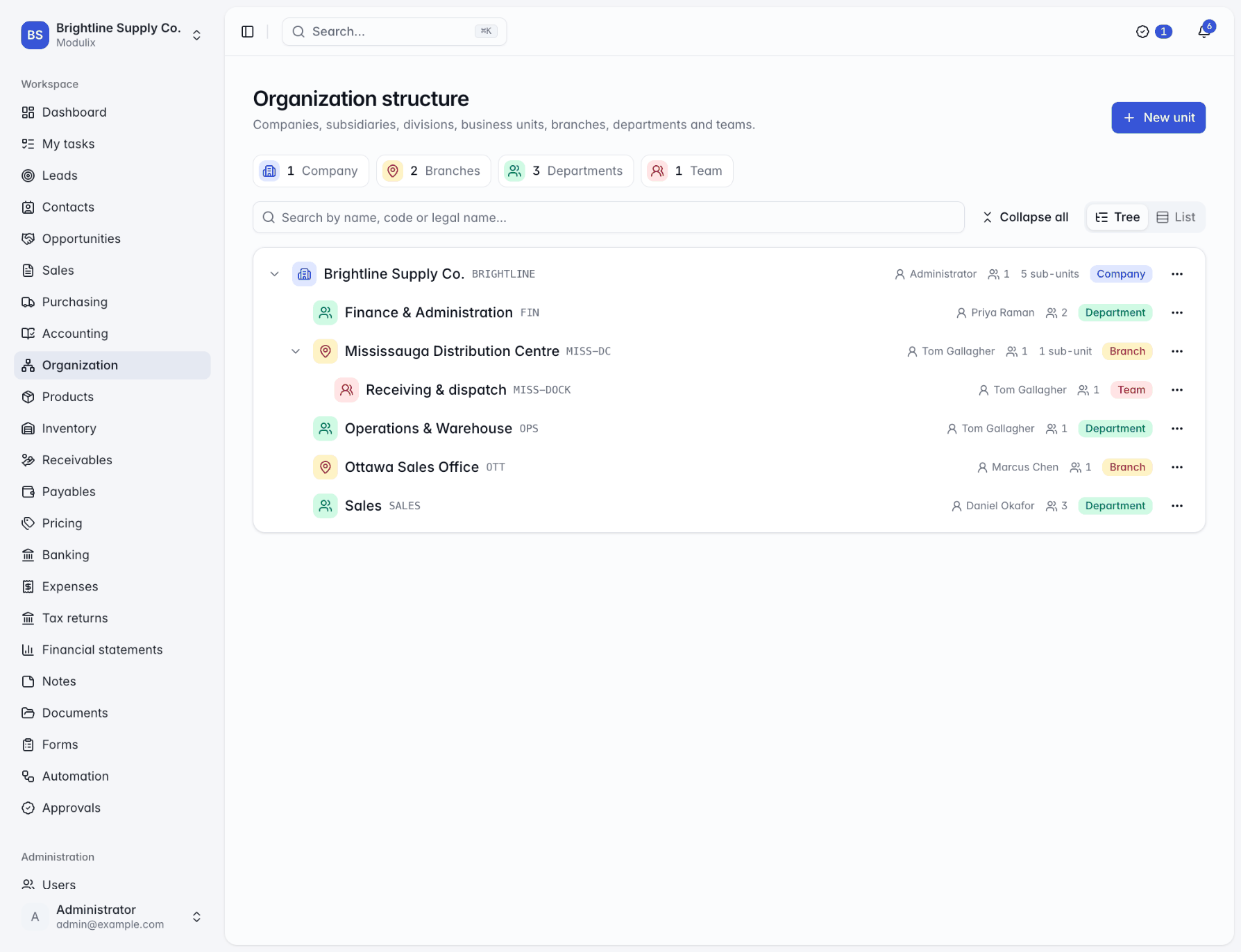
Languages
English, French, German and Spanish
Each person chooses their language and time zone; the organization sets the defaults, the date format, the currency and the start of the fiscal year. Numbers and amounts follow each person's language, and quotations, invoices and statements can be sent in the customer's language whatever the sender uses.
Preferences are kept per organization, so the same person can work in French in one company and English in another.
Organization defaults
Language, time zone, date format, currency and fiscal year.
Translated chart of accounts
Chart templates in all four languages.
Imports that understand you
Bank statement headers recognized in all four languages.
Import and export
Bring your data. Take it with you.
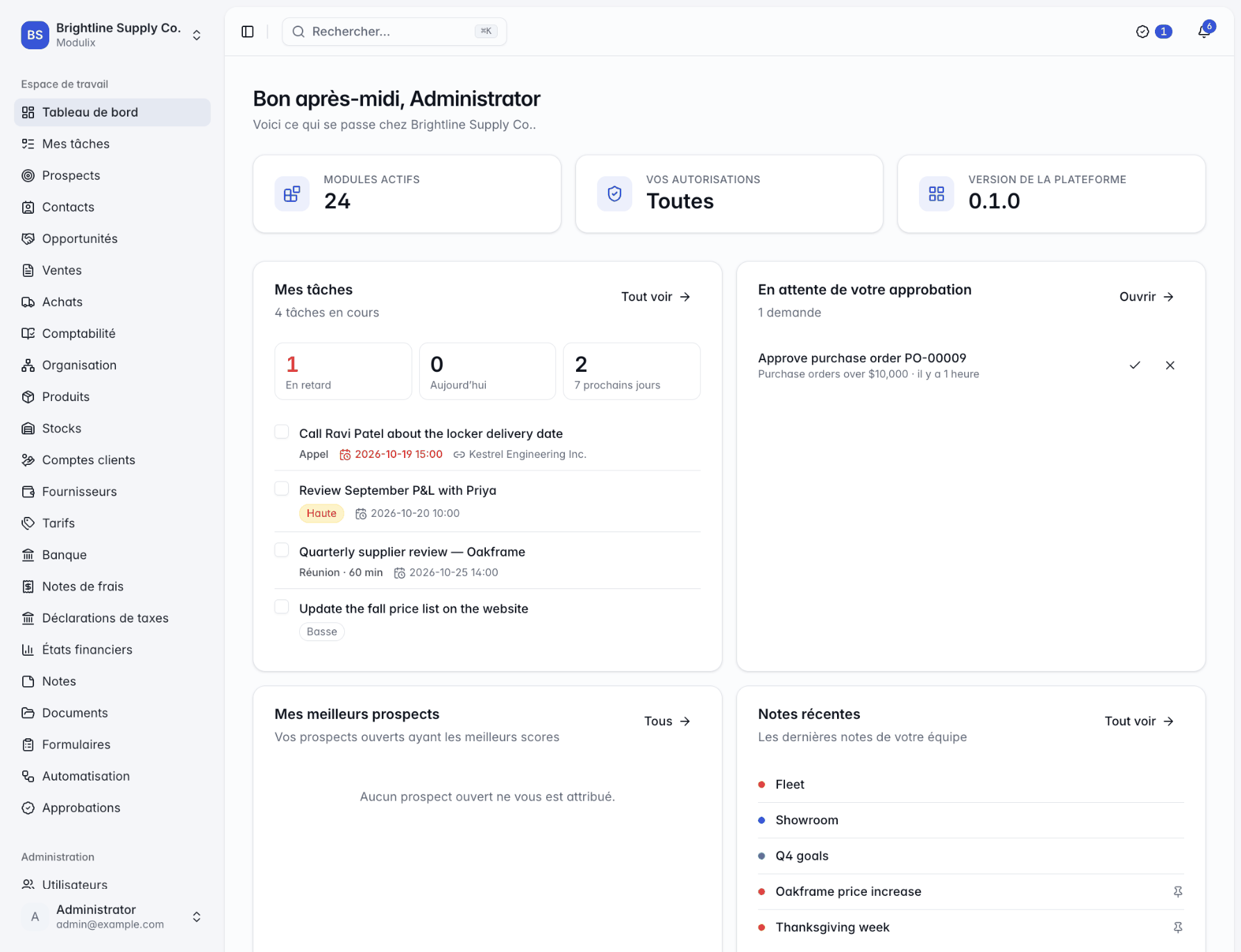
Most lists import CSV or Excel files of up to 50,000 rows: match the columns, choose whether existing records are updated, and get a report of the rows that could not be imported and why. Keep the ID each record had in your old system to make follow-up imports safe.
Any list exports to CSV or Excel, custom fields included, and every export is recorded in the audit log.
Column matching
Suggested from your headers, with example values to check.
Add or update
Add new records only, or add new ones and update existing ones.
Error report
Every row that was not imported, with the reason.
Capabilities
Administration without surprises
Users and invitations
Invite people by email, then suspend, deactivate, reactivate or remove them as things change.
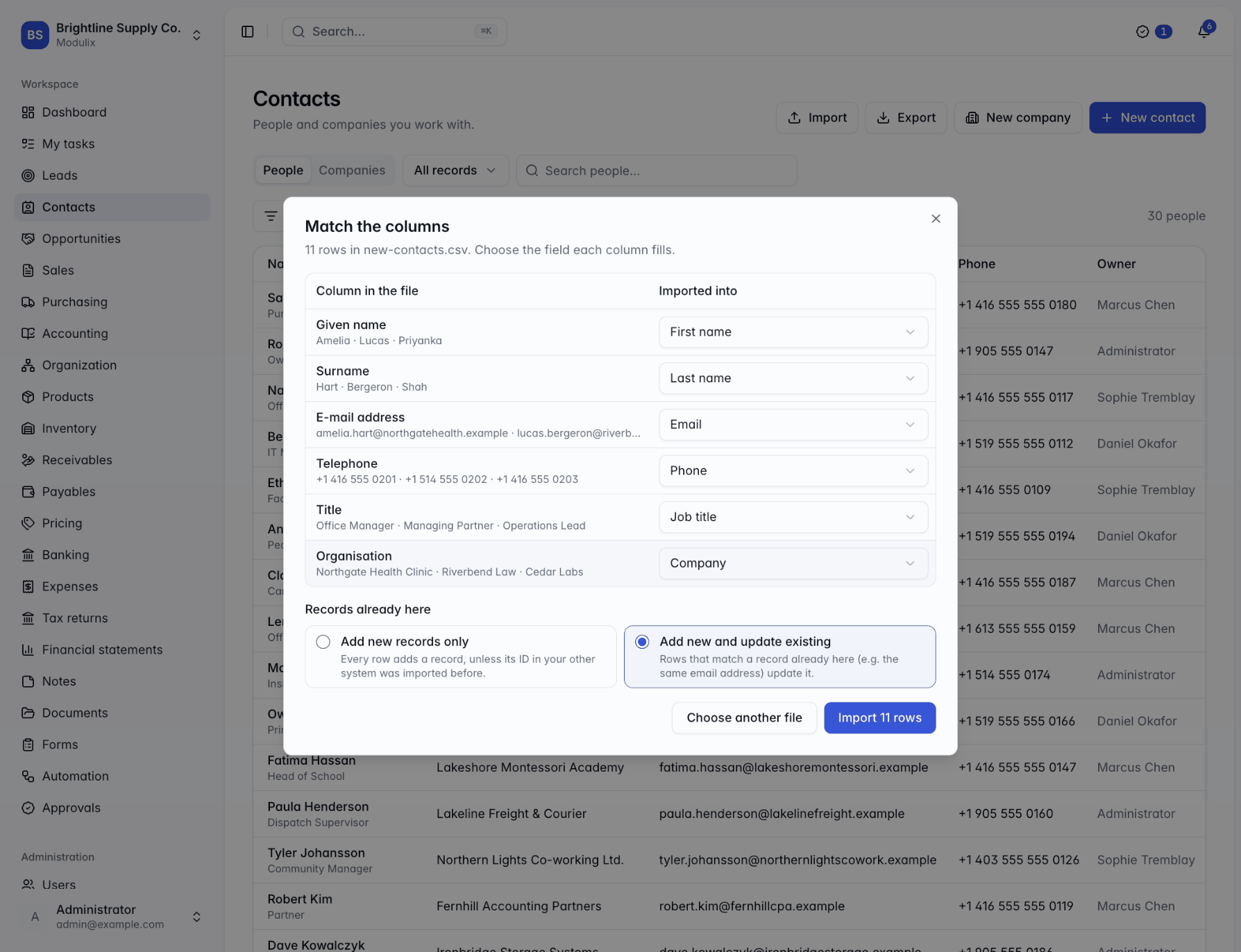
System and custom roles
Owner, Administrator, Member and Read-only to start, plus roles you define.
Record scopes
Limit permissions to a person's own records, their team's or all records.
Audit log
Who did what, when and from where, with before and after values. Nobody can edit it.
Custom fields
Text, numbers, money, dates, choices and more on your records, with no code.
Organization settings
General defaults plus a section for each enabled module, from document prefixes to PDF options.
Security
Passwords hashed with argon2id, rotating session tokens, rate-limited sign-in and encrypted stored credentials.
Self-hosting
Docker Compose or Helm, PostgreSQL or MySQL, local or S3-compatible file storage.
API keys and webhooks
Scoped API keys, OAuth clients and signed webhooks, managed from Administration.
See Modulix run your processes
Book a live walkthrough. Tell us how you quote, invoice, buy and close the month, and we will show you the modules you would use, how they connect and what moving over involves.