Purchasing & inventory
Know what you have and what is coming
Order from suppliers at their prices, receive deliveries in parts, and see stock on hand, reserved and available in every warehouse and location. Every movement is recorded in a ledger that is never edited.
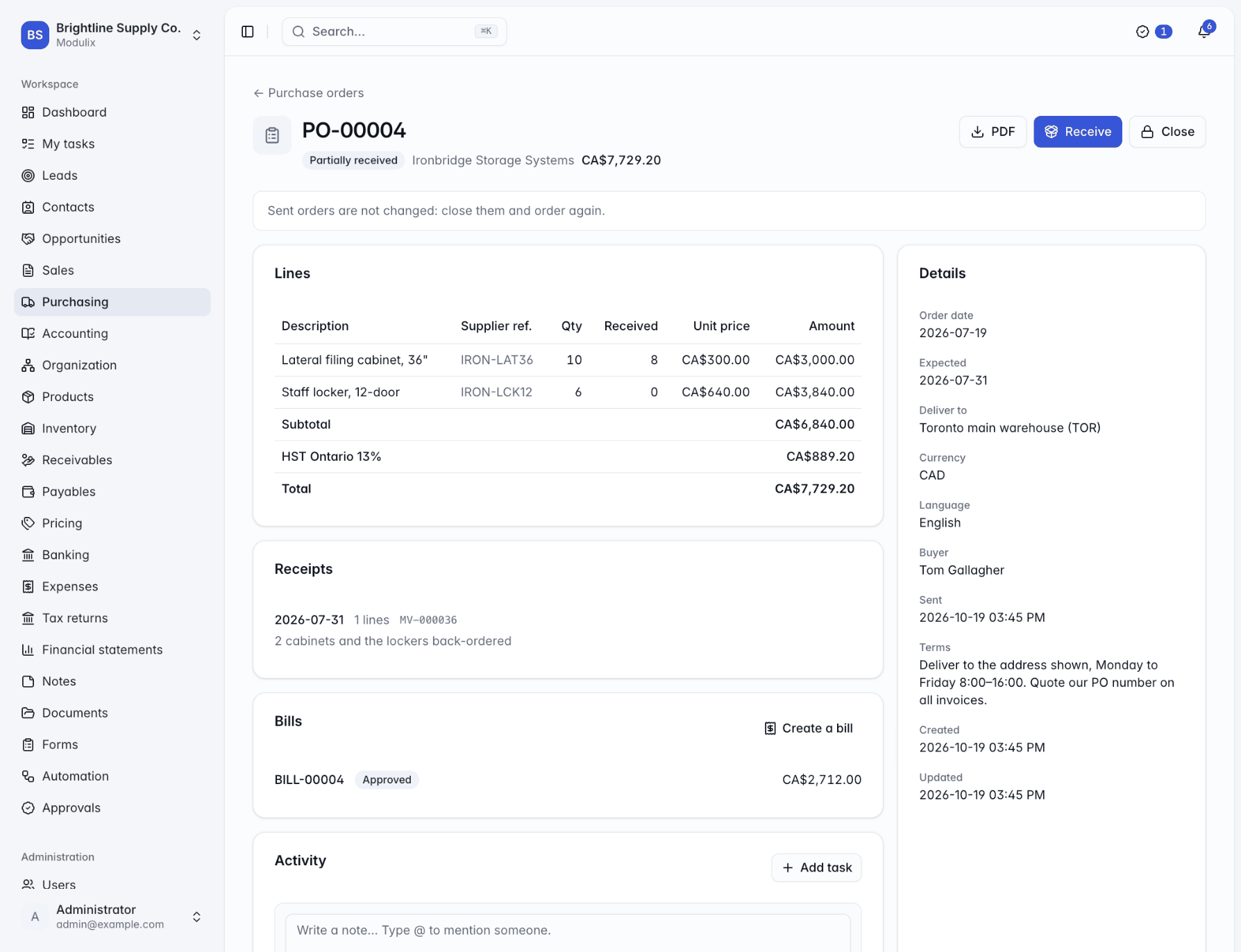
Stock
On hand, reserved, available
For every product and location, Modulix keeps what is physically there, what is promised to confirmed sales orders and what you can still promise. Receipts from purchase orders, shipments from sales orders, transfers and adjustments each become a numbered movement in the stock ledger, linked to the document that caused it.
The ledger is never edited afterwards, so the history of every item can be traced.
Adjustments with a reason
Stock counts and corrections recorded with why they happened.
Units of measure
Whole numbers for each or box, decimals for kilograms, litres or metres.
Filters and views
By warehouse, product or SKU, saved for the people who need them.
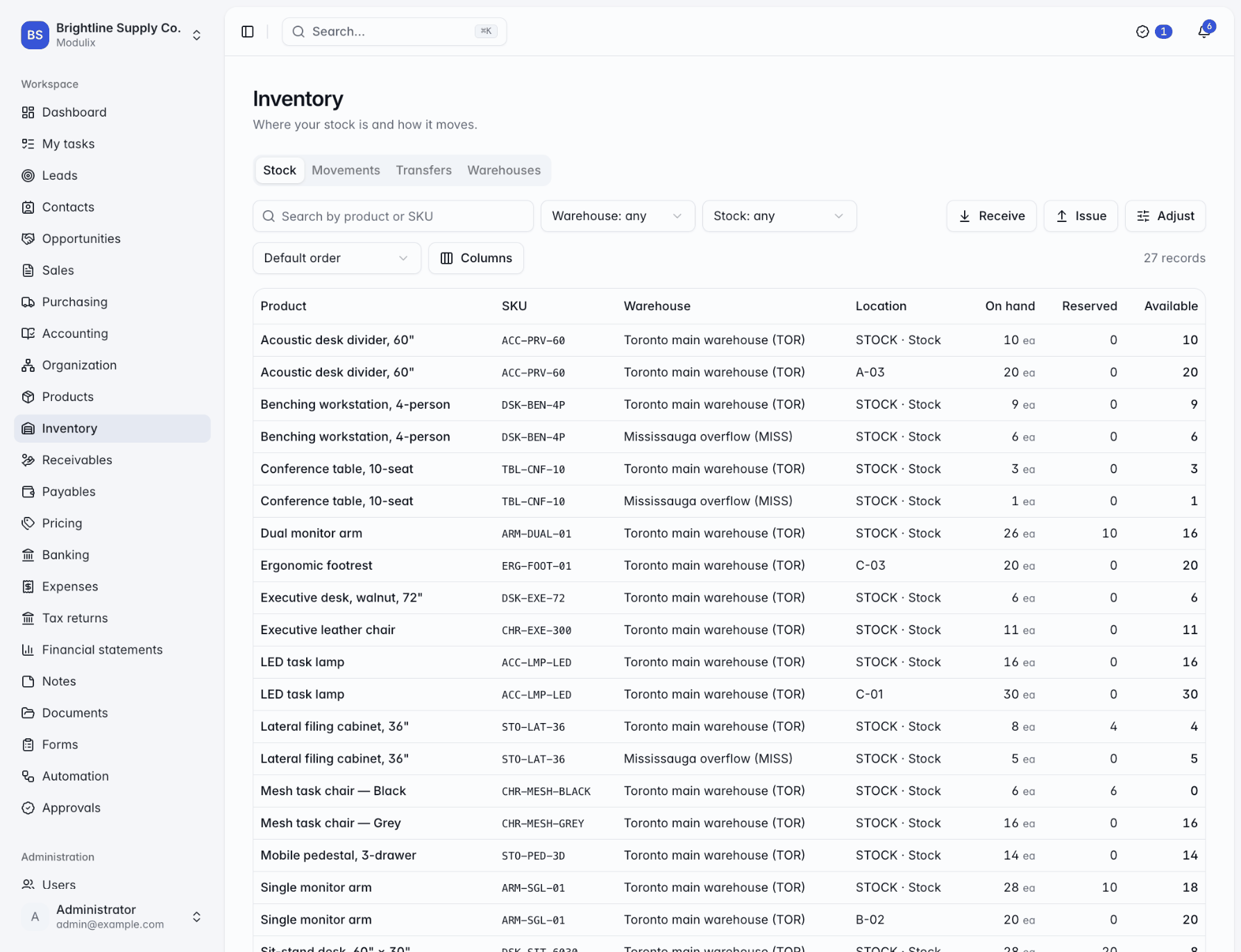
Product catalog
One catalog for buying, stocking and selling
Products and services are defined once, with their SKU, category, unit of measure, sales price, purchase cost and tax class, and reused by quotations, orders, invoices, purchase orders and bills.
Variants such as colours or sizes each get their own SKU, price, cost and stock. For every item, record which suppliers sell it, under which reference, at what price and lead time, and which one is preferred.
Variants
Generate variants from options and price each one separately.
Pictures
Product pictures shown in the catalog and on the product page.
Suppliers per item
Supplier SKUs, prices, minimum quantities and lead times.
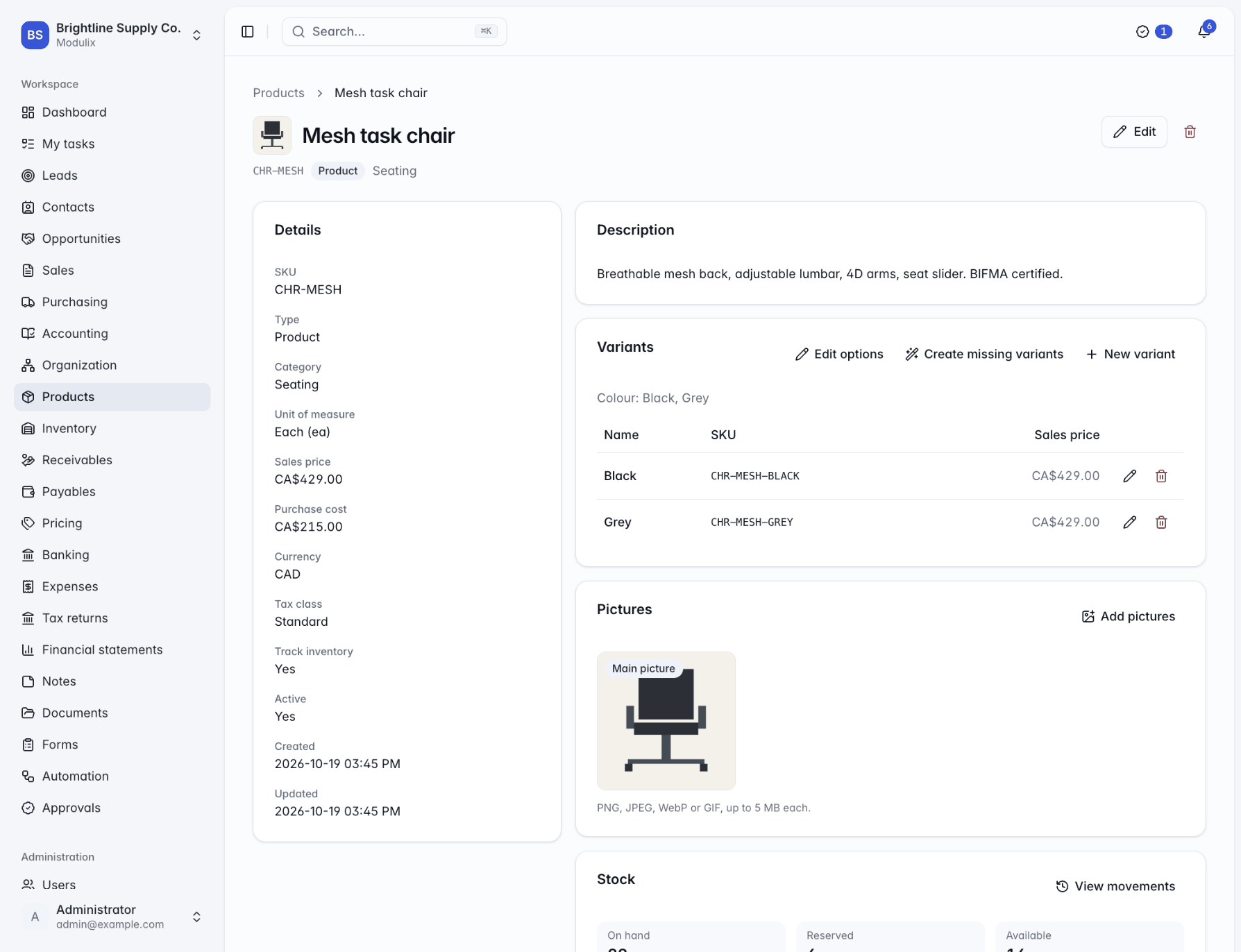
Capabilities
From the purchase order to the shelf
Supplier terms
Currency, payment terms, tax number and your account number with each supplier.
Purchase orders as PDF
Send orders to suppliers by email, with their prices filled in for you.
Receive in parts
Record each delivery as it arrives; the order tracks what is still expected.
Bill what you received
With Accounts payable, turn received quantities into a draft vendor bill in one click.
Warehouses and locations
Shops, vans and warehouses, organized into zones, aisles, racks, shelves and bins.
Stock transfers
Ship stock between warehouses, track it in transit and receive it in full or in parts.
On-time deliveries
Each supplier page shows its orders and the share of receipts that arrived on time.
Receipts without an order
Receive, issue or adjust stock that comes and goes without a document.
Receiving permission
Recording deliveries is a separate permission, so warehouse staff can receive goods without creating orders.
See Modulix run your processes
Book a live walkthrough. Tell us how you quote, invoice, buy and close the month, and we will show you the modules you would use, how they connect and what moving over involves.