Professional services
Win the work, bill it, get paid
For consultancies, agencies, engineering and accounting firms that sell expertise: a pipeline you can forecast, quotes and invoices for services, expense claims with receipts, and approvals that do not sit in someone's inbox.
Where it helps
Built for firms that sell time and expertise
Services, not stock
Services never track stock, and the services chart of accounts uses service revenue as the sales account.
A forecast you can use
Opportunities by expected close month, at full and weighted value, for every pipeline you run.
Proposals that become invoices
Quotations with versions, sent as PDF in the client's language, then invoiced in full or in parts.
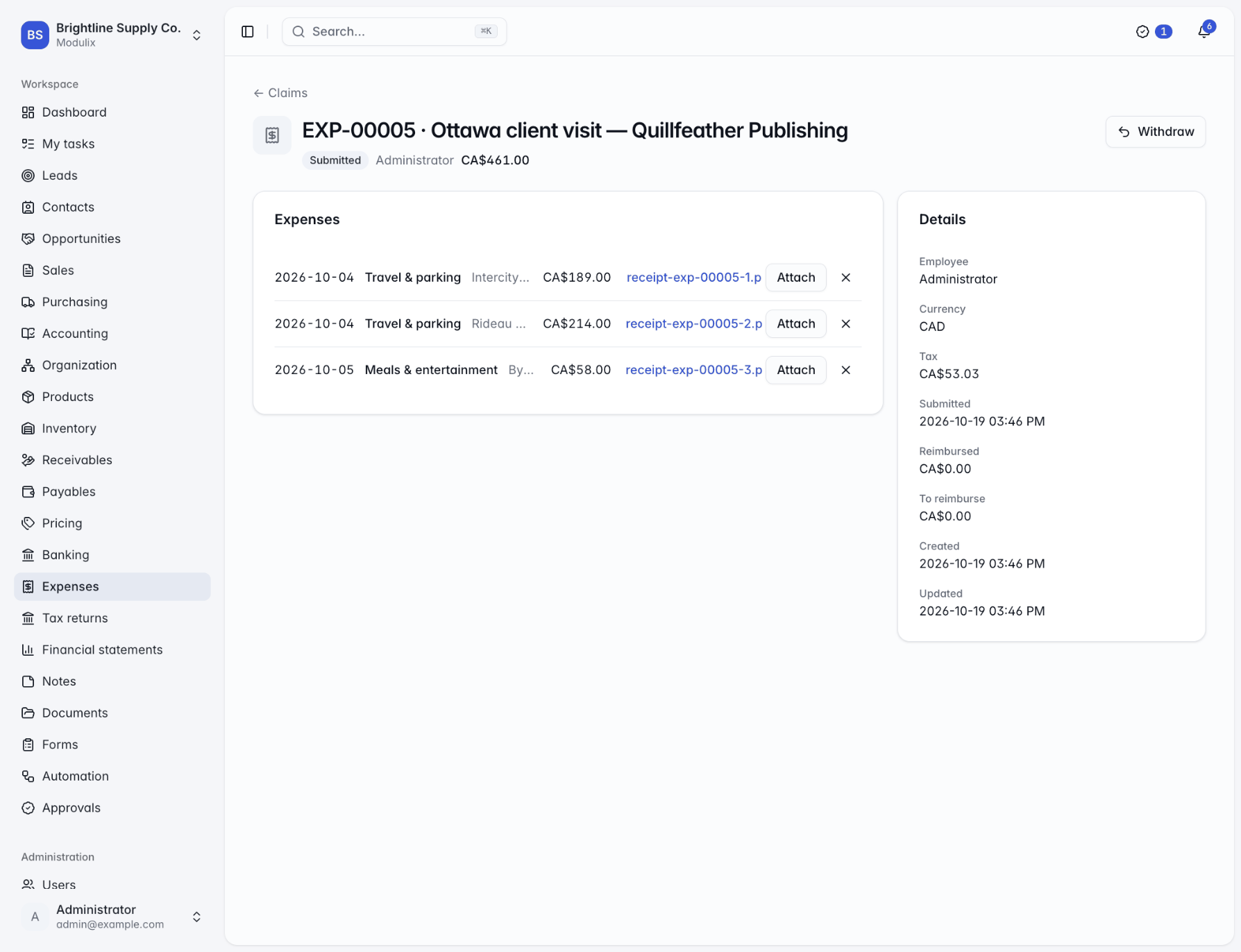
Expenses with receipts
Claims with a receipt on each line, approved and posted to the right accounts, recoverable tax included.
Client files in one place
Documents attached to the client's company page, with every version kept.
Need-to-know access
Limit people to their own or their team's clients and deals, and keep the books to finance.
Billing
Invoices out, payments in
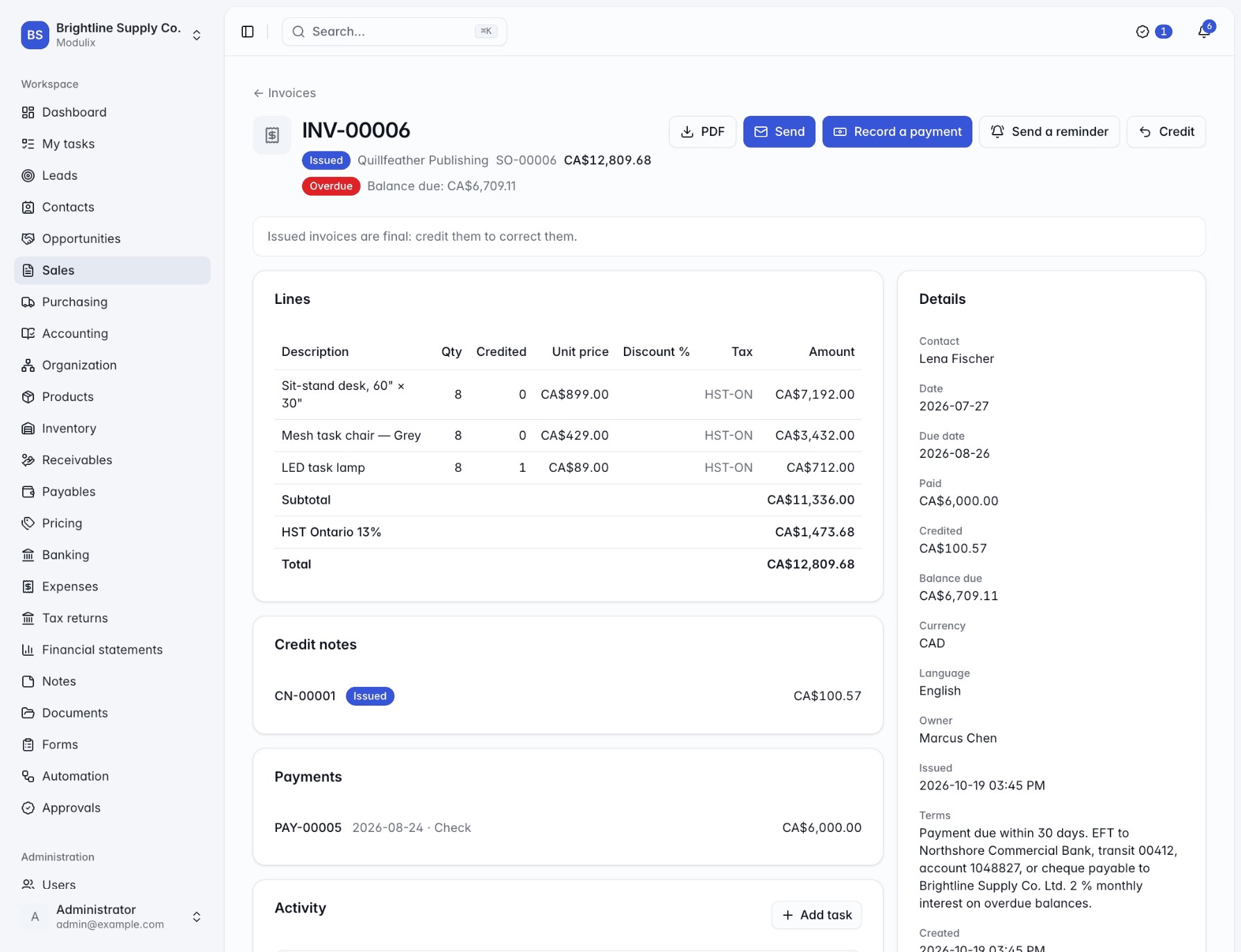
Invoice a client from an accepted quotation or from scratch. Issued invoices get gap-free numbers and go out as PDF by email; payments are applied to one invoice or several, and overdue invoices can trigger a reminder automatically.
With the finance modules on, every invoice and payment reaches the ledger as it happens, so month-end starts from books that are already up to date.
Approvals
Approvals that keep moving
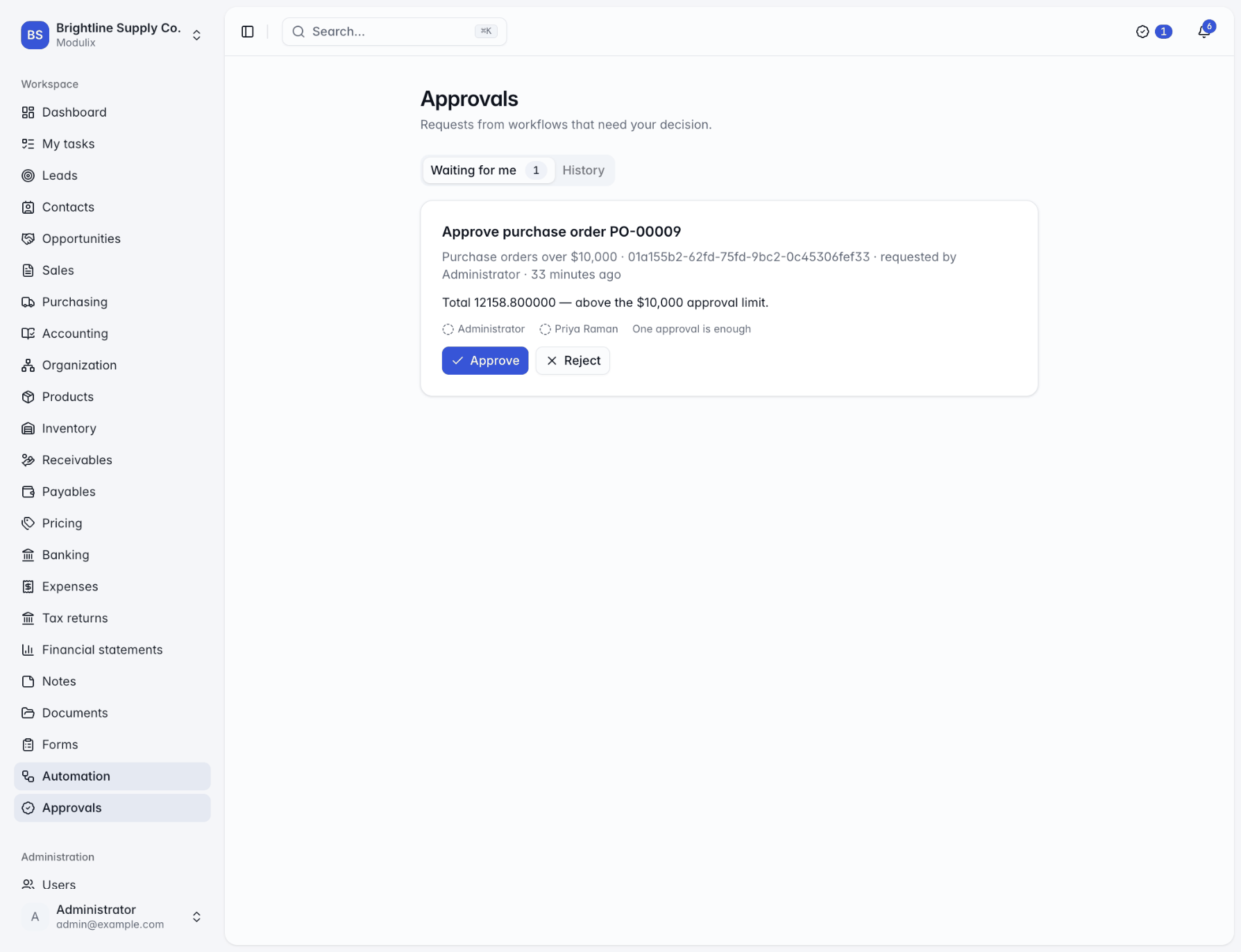
Route expense claims, large purchases or new clients through an approval workflow: the right people are asked, they decide from the approvals inbox or a notification, and requests nobody answers escalate after the hours you choose. The person who made the change can be prevented from approving it.
A sensible rollout
A rollout that fits a busy firm
Sales brings the Inventory module with it; if you only sell services, you simply never record stock.
Step 1
Clients and pipeline
Import clients and contacts, set up your pipeline stages and start tracking opportunities.
Step 2
Services and rates
Add your services to the catalog and your rates to price books, per currency if you bill abroad.
Step 3
Quotes and invoices
Send proposals, invoice the accepted work and record payments as they arrive.
Step 4
Expenses and the books
Map expense categories to your accounts and add an approval workflow for claims above a threshold.
See Modulix run your processes
Book a live walkthrough. Tell us how you quote, invoice, buy and close the month, and we will show you the modules you would use, how they connect and what moving over involves.