Wholesale & distribution
Price, stock and invoice in one flow
For distributors, wholesalers and trade suppliers who sell from stock: customer-specific prices, orders that reserve what is on the shelf, purchase orders received in parts, and the books updated as invoices go out.
Where it helps
The questions you should not have to ask twice
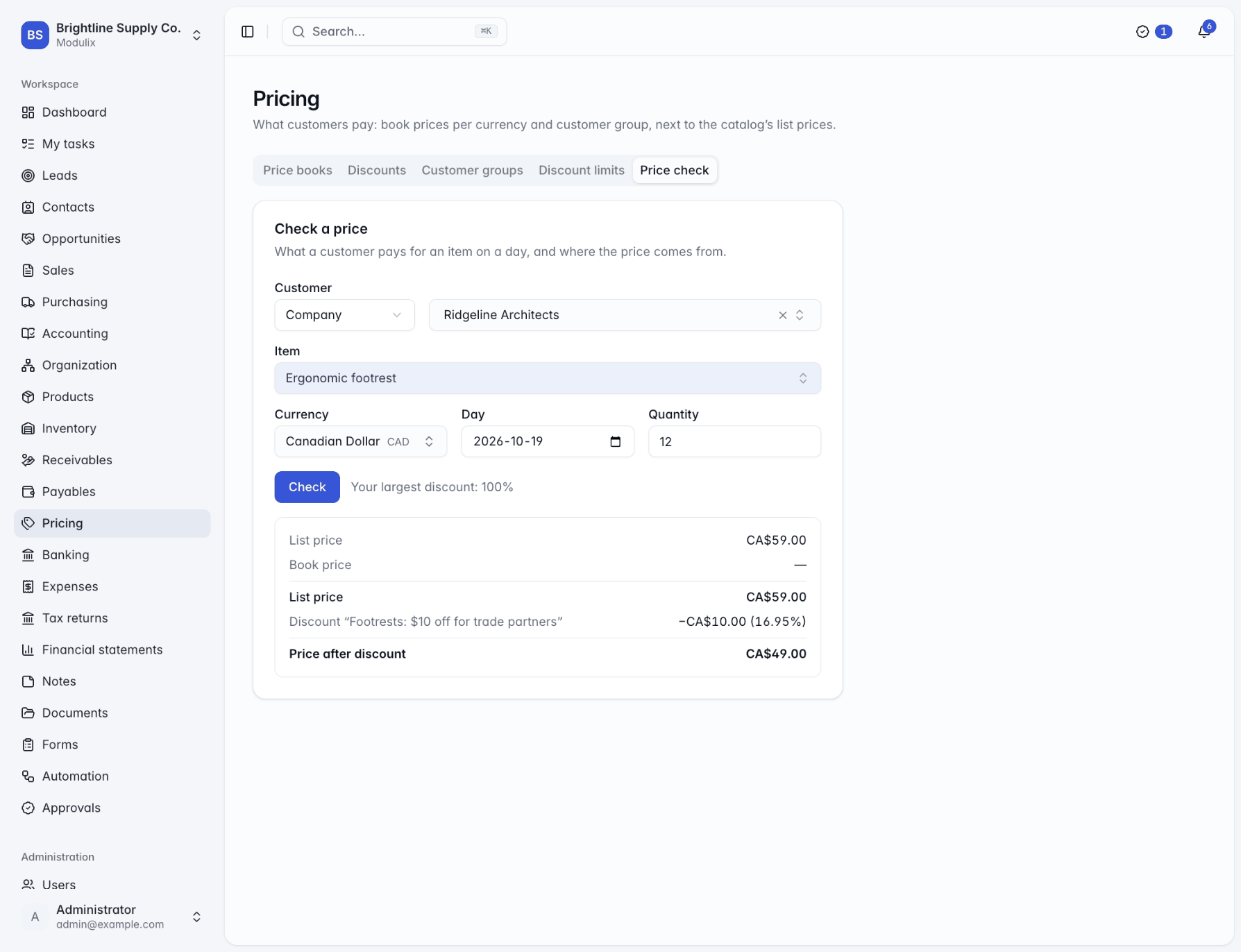
"Which price did we give them?"
Price books per customer group and currency, quantity breaks and promotions, applied to every line, with a price check that shows how a price was reached.
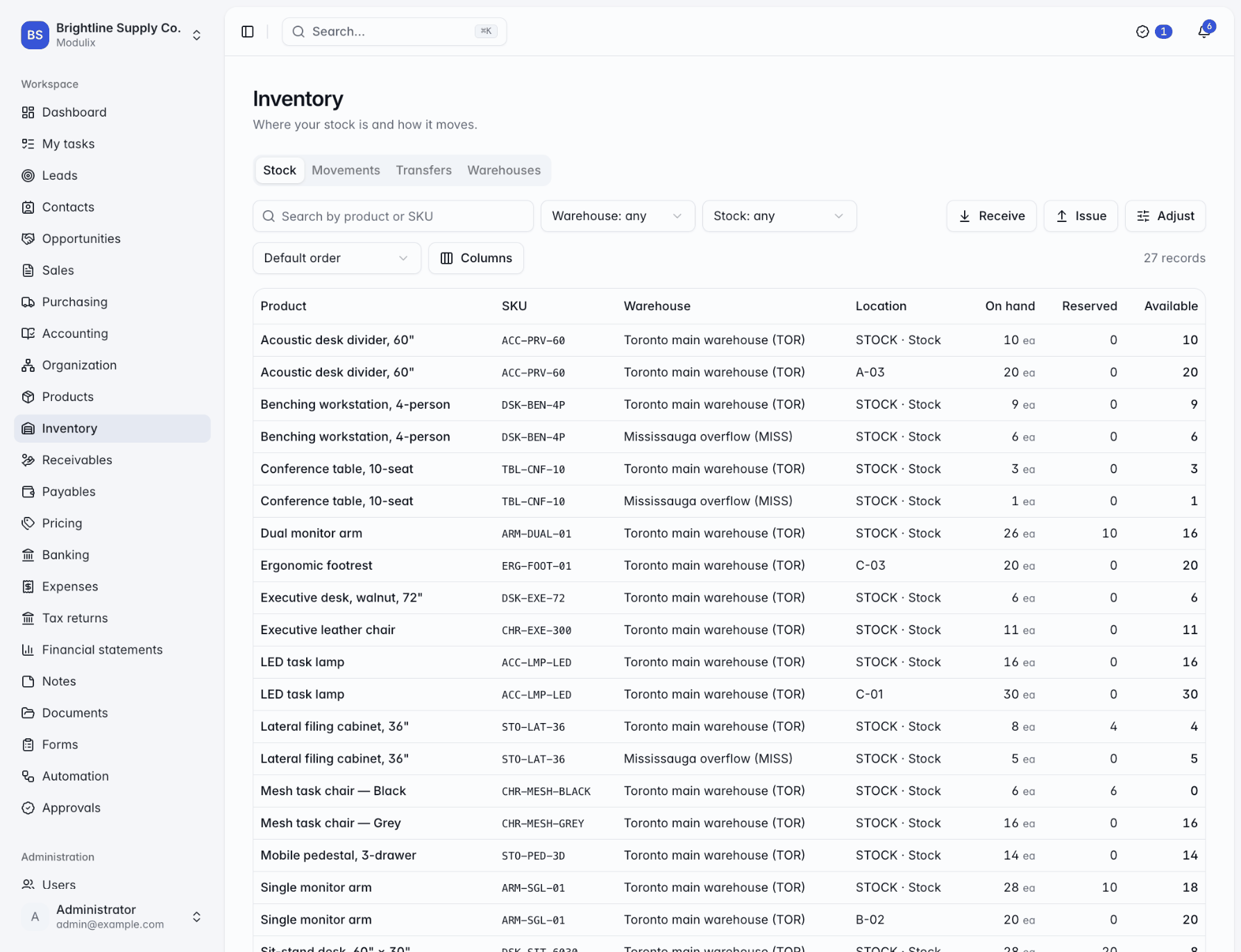
"Do we actually have it?"
On hand, reserved and available for every product and location. Confirmed orders reserve stock, so the same pallet is not promised twice.
"What is still to ship?"
Each order line shows what was delivered, reserved and invoiced. Ship what you have now and the rest when it arrives.
"What is still coming in?"
Purchase orders are received in parts, with expected dates and an on-time rate for every supplier.
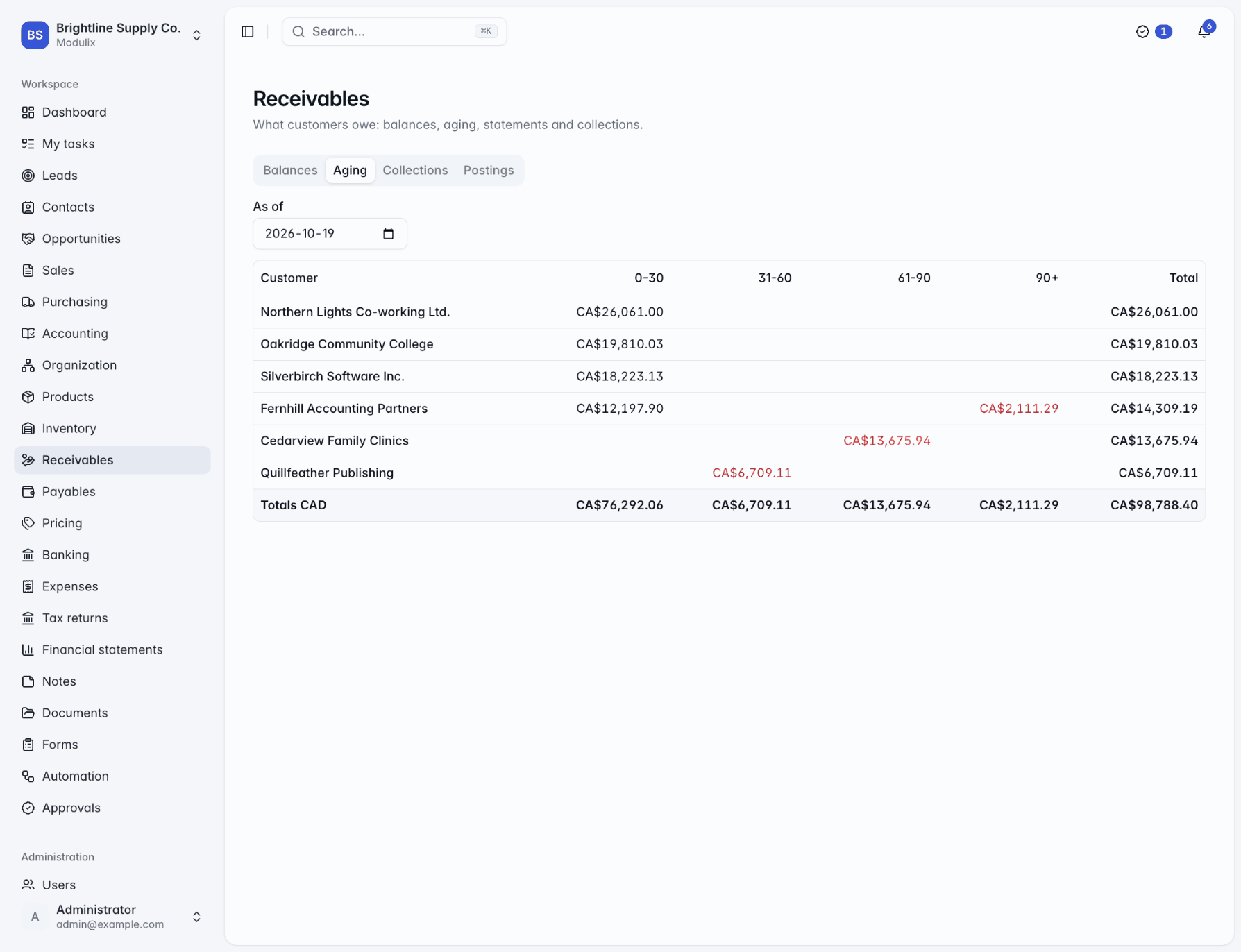
"Who owes us, and how late?"
Customer balances, an aging report, statements by email and payment reminders that can go out on their own.
"Is it here or at the other site?"
Transfers between warehouses track stock in transit until it is received at the other end.
Trade pricing
Customer prices without the spreadsheet
Put customers into groups such as trade, wholesale or partners, and give each group its own price books, in each currency you sell in, with validity dates for seasonal lists. Discount rules add quantity breaks and promotions on top.
Salespeople can still type a discount on a line, up to the limit their role allows, and the price check shows anyone exactly how a price was worked out.
Getting paid
Keep receivables under control
Issued invoices and customer payments post to the ledger as they happen, so customer balances in the receivables module and in the books agree. The aging report can be run as of any day, statements go out as PDF in the customer's language, and collections notes keep track of what was promised and when to follow up.
A sensible rollout
Start where the pain is, then add the rest
A typical order for a distributor. Each step uses the data from the one before, so nothing is entered twice.
Step 1
Catalog and customers
Import products with their SKUs, units and tax classes, then your customers and their groups.
Step 2
Prices and taxes
Create price books for your customer groups, add discount rules and the tax rules for where you ship.
Step 3
Stock and suppliers
Set up warehouses and locations, record opening stock counts, and add suppliers with their prices.
Step 4
Sales and the books
Quote, order, deliver and invoice. Turn on the ledger, receivables, payables and banking when you are ready.
See Modulix run your processes
Book a live walkthrough. Tell us how you quote, invoice, buy and close the month, and we will show you the modules you would use, how they connect and what moving over involves.