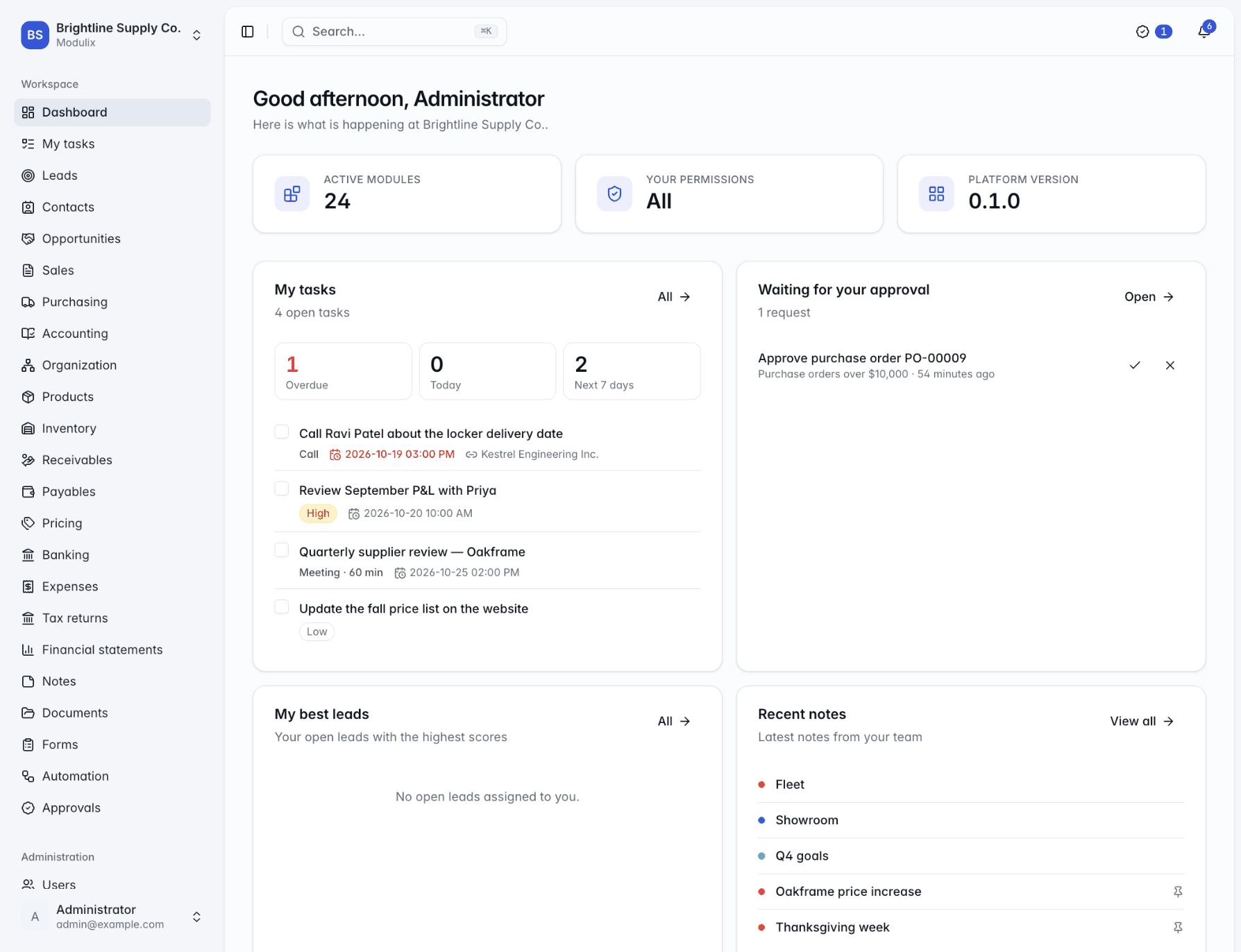
Moving off spreadsheets: a data migration plan for your first ERP
A practical plan for moving customers, products, suppliers, balances and stock from spreadsheets into Modulix: what to import, in which order, and how to check it worked.
Modulix by Zantrey
Modulix is a modular ERP and CRM for growing businesses. Turn on the modules you need, from contacts and quotes to the general ledger and stock, and add more as you grow. One database, one permission model, one audit log, one API.

The suite
Each module does one job and shares its records with the others, so a customer, a product or an invoice is entered once and used everywhere.
Capture leads from forms, imports and the API, score them, and follow every deal through your pipeline to a weighted forecast.
Explore CRMQuotations priced from your price books and taxed by your rules, orders that reserve stock, gap-free invoices and payments.
Explore SalesA general ledger the other modules post to automatically, with banking, payables, expenses, tax returns and financial statements.
Explore FinanceSuppliers with their own prices and lead times, purchase orders received in parts, and stock by warehouse and location.
Explore Purchasing & inventoryTasks, notes, documents and forms on every record, and workflows with approvals that run when records change or on a schedule.
Explore automationRoles down to own or team records, an audit log nobody can edit, custom fields, imports, four languages and self-hosting.
Explore the platformModular by design
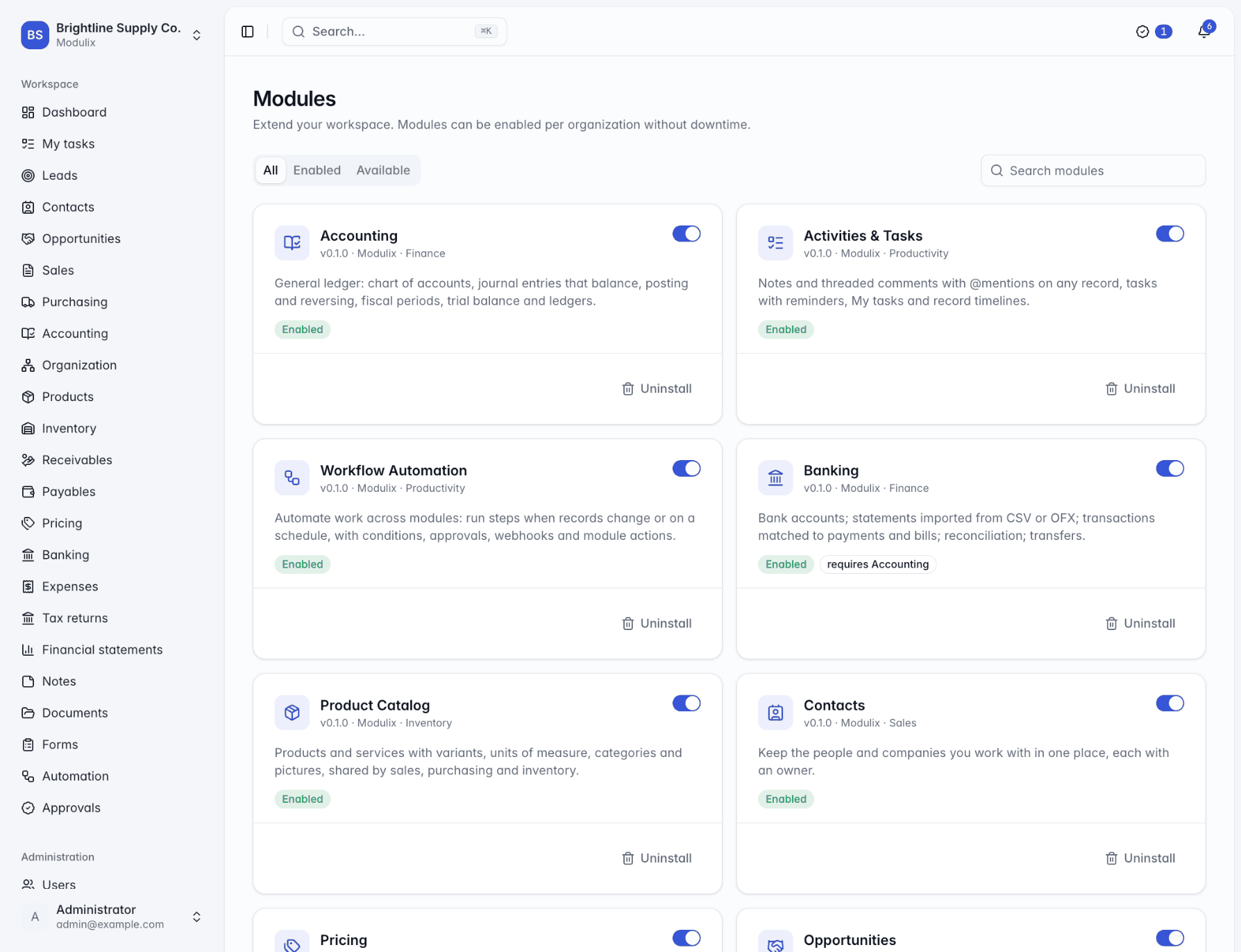
Every organization turns modules on and off from one page. A small team can start with contacts, leads and quotations, then switch on the ledger, banking and inventory when the business is ready. It is the same database and the same records, so nothing is migrated and nobody re-types a customer.
Dependencies handled
Enabling Banking turns on Accounting first. Modulix resolves the chain for you.
Nothing is thrown away
Turning a module off hides it and keeps its data for when you turn it back on.
Permissions included
Each module brings its permissions and grants sensible defaults to the built-in roles.

Finance
Import CSV, OFX or QFX statements and Modulix matches what it safely can: a line is matched on import when exactly one posted entry has the same amount within three days. For everything else, the match dialog shows the entries already in the books, the open bills, claims and tax returns it could settle, or books a fee straight to an account.
Overlapping imports are safe
Lines already imported are recognized and skipped.
Settle in one step
Pay a vendor bill or reimburse an expense claim from the statement line itself.
Reconcile to zero
The cleared balance must equal the bank's closing balance before you reconcile.

Automation
Workflows start when a record is created or changed, on a schedule, on a date or on demand. They check conditions, ask the right people to approve, wait, call webhooks and run actions from other modules, such as creating a task, emailing a payment reminder or approving an expense claim.
Four-eyes approvals
Optionally, the person who made the change cannot approve it.
Escalation
Requests nobody decides go to more people after the hours you set.
A log for every run
Each step's outcome, every decision and any error, with retry.

Getting started
The order we recommend for setting up an organization. The documentation walks through each step.
Step 1
Enable the modules you need today. Dependencies come with them, and you can add more at any time.
Step 2
Company name, currency, fiscal year, language, time zone and date format, then each module's own settings.
Step 3
Import contacts, products and suppliers from CSV or Excel, enter opening balances and import your bank statements.
Step 4
Give each person roles, limited to their own or their team's records where it makes sense.
Product facts, not marketing figures.
From leads to tax returns, each one optional
English, French, German and Spanish
PostgreSQL or MySQL, from one schema
A versioned REST API with an OpenAPI description
Resources
A practical plan for moving customers, products, suppliers, balances and stock from spreadsheets into Modulix: what to import, in which order, and how to check it worked.
Import the statement, let the obvious matches happen, deal with the rest in one dialog, and reconcile only when the difference is zero. How bank reconciliation works in Modulix.
Set up tax rules once, let invoices, bills and expense claims post their tax, and prepare the GST/HST return from the ledger. What Modulix does, and what stays with you.
Questions
Something else on your mind? Write to hello@zantrey.com and a person will answer.
Modulix is a modular business suite, an ERP and CRM in one, for small and mid-sized businesses. It covers CRM, sales, finance, purchasing, inventory and the tools around them (tasks, documents, forms, workflows and notifications) in 24 modules that share one database, one permission model, one audit log and one API. Zantrey is the company that makes it.
No. Each organization turns on only the modules it needs, and you can enable more later without downtime or data migration. When a module needs another one (Banking needs Accounting, for example), Modulix enables the dependency for you. Turning a module off hides it but keeps its data: turn it back on and everything is where you left it.
Yes. Modulix runs as two stateless services (an API and a web server) in front of PostgreSQL or MySQL, with Docker images, a Docker Compose file and a Helm chart for Kubernetes. If you would rather not operate it yourself, Zantrey Cloud hosting is available by arrangement. Talk to us about which fits you.
Most lists import CSV or Excel files with column matching and a report of the rows that could not be imported (up to 50,000 rows per file). Imports can add new records or update existing ones, and remember the ID each record had in your old system. Bank statements import from CSV, OFX or QFX files. Every list can also be exported to CSV or Excel, so your data never gets stuck.
Everything the web app does goes through a documented REST API with an OpenAPI description. Integrations authenticate with API keys or OAuth client credentials, limited to the permissions you choose, and signed webhooks notify your other systems when records change, with automatic retries. See the developer overview.
The interface is available in English, French, German and Spanish. Each person chooses their language and time zone, and numbers and amounts follow their format. Quotations, invoices and statements can be sent in any of the four languages, whatever language the sender uses.
Modulix prepares GST/HST and VAT returns from your general ledger and, when you file them, closes the period's tax accounts into what you owe or are owed. It does not send returns to the tax authority: you file on the authority's own portal, then mark the return as filed and record the payment in Modulix.
Yes, and we would rather say so up front. Modulix has no payroll, manufacturing or point-of-sale module today, and single sign-on is not built in yet. Many teams keep a specialist payroll service and record its totals in the ledger. If you need something specific, the module SDK lets you build your own module on the same foundation.
Book a live walkthrough. Tell us how you quote, invoice, buy and close the month, and we will show you the modules you would use, how they connect and what moving over involves.